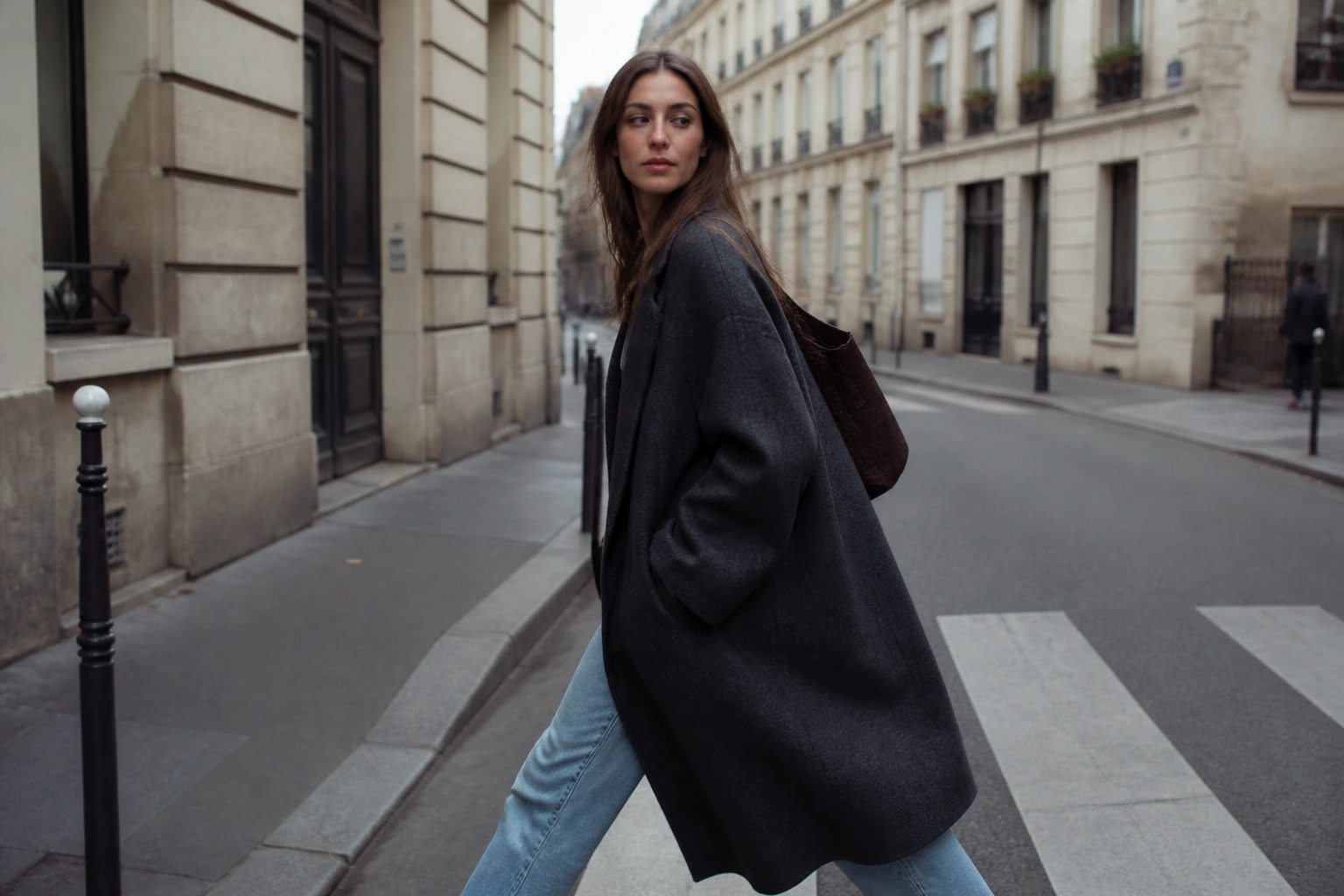
Upload one photo and the Imgupscale image upscaler hands it back at the resolution you actually need, up to 8K, with detail rebuilt to match the frame instead of pixels simply stretched.
BeforeAfter
Drop, paste, or click (Supports .jpg, .png, .webp)
Pick the tool that fits your file, whether a portrait, a scan, or an anime image upscaler job, and Imgupscale routes each upload to the model built for it.
Image Upscaler
Photos that look fine on screen ask for more the moment they head to a print run or a full size display, so the image upscaler takes them from 2x to 8x, up to 8K, and rebuilds texture that fits the picture. Use it to ready a portrait for a wall print or bring a web shot up to full resolution for a client handoff.
Night shots and high ISO frames arrive covered in colored grain and compression blocks, and the image upscaler clears them with a strength slider that runs on auto until you set it yourself. It hands back clean surfaces ready for a store listing, a portfolio, or a print, and the cleaned shot can carry straight into an upscaling pass when you want it larger.
Soft, misfocused, and lightly shaken shots each get their own repair path, so this image sharpener rebuilds only the regions that read as soft and leaves the crisp areas alone. That selective touch keeps a handheld portrait or a rushed event photo looking natural, and the sharpened result flows into an upscaling pass whenever you need a larger copy.
Faces buried in a low resolution group shot come back through the image upscaler with natural looking skin and eye detail rebuilt to match the face, one face at a time. Every person still looks like themselves because the detail is drawn from what the shot already holds, which makes it a fit for old family gatherings, team photos, and event crowds where each face matters.
Low resolution logos and thumbnails ride the same 2x to 8x pass used to enlarge image files of any kind, with edges rebuilt to match the artwork so they hold on a large screen or a print run. Bring a small brand mark up for signage, a slide deck, or a banner and it stays clean at the new size.
Clips shot below 4K move up to 4K through the image upscaler in a single pass that also adds 60fps smoothing and clears noise, so old footage drops onto a modern timeline without a second tool. Use the image upscaler to refresh archived family video, event clips, or product footage into a clean 4K result with steadier motion.
Rebuilt texture is the difference here: this image enhancer reads what is in the frame and paints detail that reads as real, instead of smoothing everything into a plastic look. As an ai image upscaler it studies the content of the shot and rebuilds edges and texture to match it, so a soft photo comes back looking like a sharper take on the same scene.
02
4K Image Upscaler for Screens and Print
Resolution in the image upscaler climbs from 2x to 8x, which covers a 4K display and keeps going to 8K for a large wall print. Used as a 4k image upscaler it clears screen sizes with room to spare, the same reach people mean when they search image upscaler 4k.
03
Bulk Image Upscaler for Whole Batches
A full set of files can queue together in the image upscaler, so a run of product shots goes through in one line instead of one at a time. As a bulk image upscaler it takes a group of files at once, and it doubles as a batch image upscaler when the whole set needs the same treatment.
04
Image Upscaler Online, Start to Finish
Everything happens on the site: you upload, process, and download in one line, and every result stays in your account space so you can return and pull it again. Working as an image upscaler online, it keeps the job and the files together, which is also what people want when they upscale image online.
Who Reaches for Higher Resolution
“
Store listings blow product photos up to full screen, and that is where a soft shot shows; one picture upscaler pass across the whole set keeps them clear right into the zoom, still true to the item on the shelf.
Product Shots That Survive Full Zoom
Online Sellers
Web sized files reaching a photo upscaler were never meant for a poster, yet clients ask for one anyway. This raises them to a resolution that holds at print size, with edges that survive a proof, so you can upscale image for print without reshooting.
Web Sized Photos Ready for Print
Photo Studios
A scanned family print is often the only copy, yellowed and speckled with age. The image upscaler removes the scratches and grain, faces regain their detail without anyone being swapped out, and color is optional if you would rather keep the original black and white. As an old photo restorer it treats a one of a kind scan with care.
Old Prints Brought Back to Life
Family Archivists
Bring Your Photo Up to 8K
Drop in the shot you have been meaning to fix and let the Imgupscale image upscaler rebuild it up to 8K, or send a clip to 4K, with the result saved in your account and yours to use, client work and print runs included.
How to increase image resolution and how to enhance image quality in the same pass?
Set the multiplier that fits the job and the image upscaler carries a photo from 2x up to 8x, all the way to 8K when a wall print needs the room. Each step rebuilds texture to match what is in the frame rather than stretching the pixels you started with, so the picture reads sharper and cleaner at the larger size instead of just bigger.
02
What file formats can you upload, and can you send several at once?
Images come in as JPG, PNG, or WEBP and video as MP4 or MOV, so most everyday files are ready to go the way they are. You can drop more than one at a time as well: a whole set queues together in the image upscaler and each file runs through the treatment that fits it rather than one blanket pass across the batch.
03
How to make a blurry picture clear, and how to unblur a face in the same shot?
Soft focus, a small handheld shake, and a lens that reads soft each get their own repair path, so the sharpen side rebuilds the clarity that belongs in those spots. Faces in the frame are handled one at a time, with skin and eye detail brought back from what the image still holds, so the person you started with stays the same person, just clearer.
04
How to upscale an image the first time you open the tool?
Drop a JPG, PNG, or WEBP onto the page and the image upscaler reads the file on its own, routing it to the model that matches what it sees. Nothing needs setting on the first pass, since automatic selection is the default. When it finishes you download the result, and a copy stays in your account space for whenever you come back to it.
05
Where do my files go once processing is done?
Both your uploads and your finished results from the image upscaler stay in your own account space, so nothing vanishes when you close the page. Whenever you need a file again you come back, open it, and download it fresh, which leaves you a working history of everything you have run rather than a one time link that expires.
06
How to restore old photos that have faded or picked up damage over the years?
Scanned prints that have yellowed, faded, or cracked are rebuilt by the image upscaler from what the picture still carries, while scratches and speckle clear out together within the same restoration flow. Coloring is optional, so you can bring an old shot toward natural tones or keep a black and white photo exactly as it was.
07
How to fix a pixelated image and how to remove noise from a photo shot at high ISO?
Blocky pixels from a low resolution source, heavy compression, or an image pushed too far past its size are rebuilt by the image upscaler from the real picture underneath, while high ISO speckle, colored grain, and compression artifacts clear out and leave the surfaces intact. Denoise strength runs on automatic by default and slides either way when a shot needs a lighter or firmer touch, and a cleaned frame can move straight into upscaling within the same workflow.
08
Can I use the results commercially?
Yes. Whatever you produce is yours to use commercially, from print runs and product packaging to files you hand off to a client. The finished result belongs to you, ready to place wherever the work is headed.
09
How to upscale a video to 4k without stitching three separate tools together?
Footage shot below 4K rises to 4K through the image upscaler in a single flow that also fills in 60fps for smoother motion and clears noise along the way, so the resolution lift, the frame smoothing, and the cleanup all finish together in one run rather than across three passes.